Export YouTube Comments to Excel & CSV
Export YouTube comments to Excel, CSV, or JSON for spreadsheets, reporting, campaign records, and comment analysis.
Enter a YouTube Video URL



댓글을 내보내는 데 그치지 말고 분석하세요.
CommentGrid 확장 프로그램으로 Instagram, TikTok, Facebook 댓글을 몇 분 만에 구매 신호, 답글 대기열, 콘텐츠 아이디어로 전환하세요.
Chrome에 추가 Chrome에 추가
How to Export YouTube Comments
Paste a video URL, review the extracted comment data, then download your comments for spreadsheets or analysis.

Paste the Video URL
Copy the YouTube video link and paste it into the CommentGrid YouTube Comment Exporter.

Extract Comment Data
CommentGrid collects available comments into a structured table so you can review the results before downloading.

Download CSV or JSON
Export the comment data as an Excel-ready CSV file or save a structured JSON copy for future workflows.
포함되는 데이터
| 필드 | 설명 |
|---|---|
| 댓글 내용 | 각 YouTube 댓글의 전체 본문입니다. |
| 게시 시간 | YouTube에서 반환하는 표시 게시 시간 텍스트입니다. |
| 작성자 핸들 | 공개 채널 핸들 또는 작성자 이름입니다. |
| 좋아요 / 투표 | 댓글에 연결된 표시 투표 수입니다. |
| 답글 수 | 댓글에 대해 보고된 답글 수입니다. |
| 댓글 URL | 사용 가능한 경우 YouTube 댓글로 이동하는 직접 링크입니다. |
| 작성자 프로필 URL | 댓글 작성자의 채널 또는 프로필 링크입니다. |
Why Use CommentGrid to Export YouTube Comments
Built for creators, marketers, and research teams who need clean YouTube comment data for spreadsheets, reporting, and analysis.
 Spreadsheet-Friendly Exports
Turn YouTube comments into structured CSV files that are easier to sort, filter, share, and analyze in Excel or Google Sheets.
- Excel-ready CSV
- Structured comment rows
- Easy spreadsheet analysis


 No Extension or API Setup
CommentGrid is web-based, so you can export YouTube comments without browser extension setup or YouTube API configuration.
- Browser-based workflow
- No API key required
- No extension install

 Reusable Comment Records
Keep downloaded comment data for campaign reporting, audience research, content feedback, backups, or later giveaway workflows.
- Campaign records
- Comment backups
- Reusable data exports
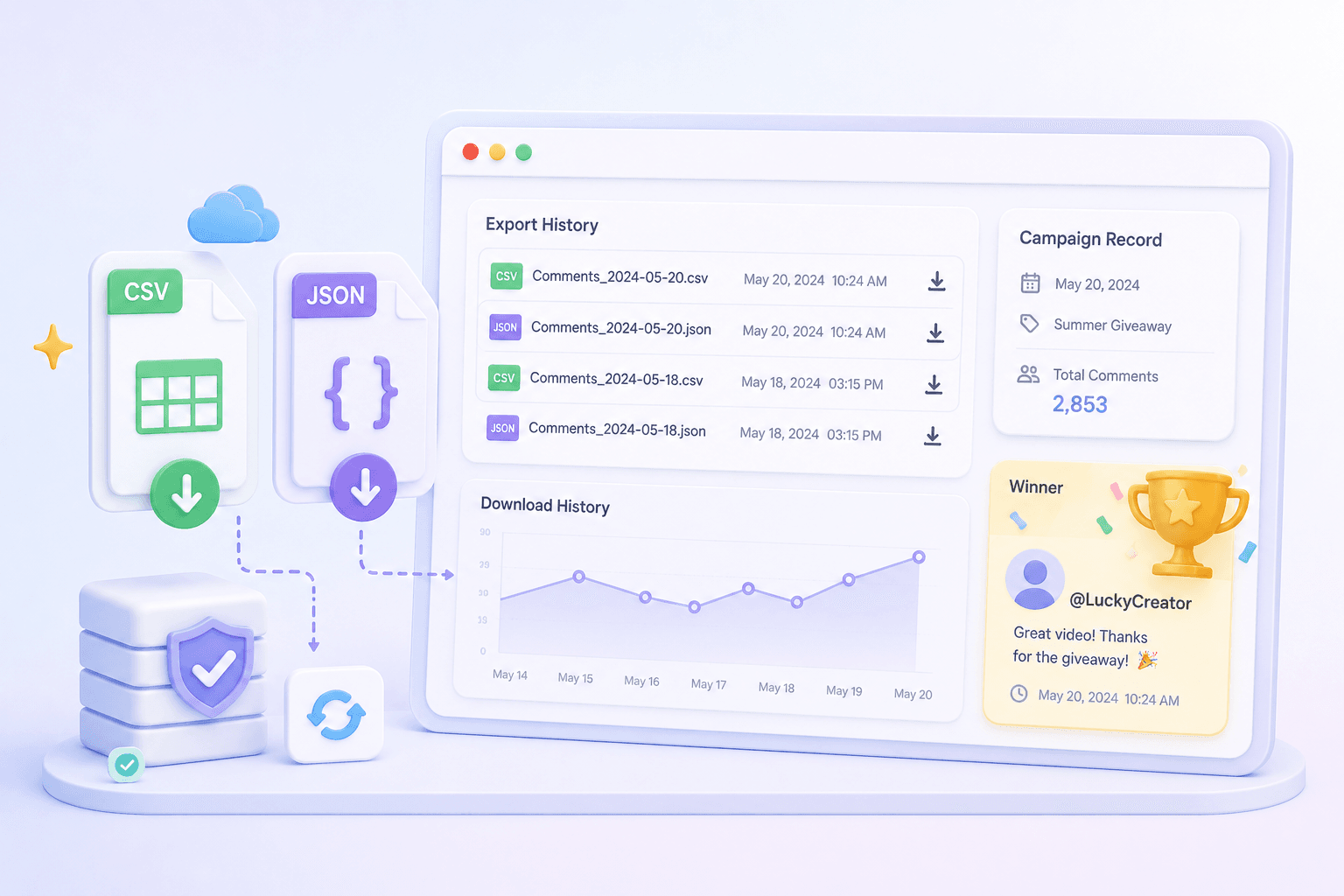
Export YouTube Comments in Structured Formats
Export to Excel-Ready CSV
Download available YouTube comments as CSV files that are easy to open in Excel, Google Sheets, or other spreadsheet tools.
Download JSON Records
Save structured JSON comment data for backups, developer workflows, or deeper analysis outside the browser.
Review Comment Data
Check extracted comment rows before downloading, including fields such as author, comment text, time, and engagement data when available.
Web-Based, No API Key
Use the exporter directly in your browser without installing a Chrome extension or configuring a YouTube API key.
YouTube Comment Exporter FAQs
Answers to common questions about exporting YouTube comments, downloading CSV/JSON files, and using comment data in spreadsheets.
How do I export YouTube comments to Excel or CSV?
Paste a YouTube video URL into the tool, start the extraction, review the available comments, and download the results as a CSV file that can be opened in Excel or Google Sheets.
Can I download YouTube comments as JSON?
Yes. In addition to CSV, CommentGrid can export structured JSON data for backups, developer workflows, or further processing.
What data is included in the comment export?
The export may include available fields such as author information, comment text, time, likes, replies, and other comment metadata depending on what can be accessed during extraction.
Do I need a Chrome extension or YouTube API key?
No. The YouTube Comment Exporter is designed as a web-based tool, so you do not need to install a browser extension or configure a YouTube API key.
Is CommentGrid affiliated with YouTube or Google?
No. CommentGrid is an independent tool and is not affiliated with, endorsed by, or partnered with YouTube or Google.
How many YouTube comments can I export?
The number of comments available for export can vary by video, comment visibility, and platform loading conditions. For large videos, results may depend on what can be accessed during the extraction process.
Does the tool work with private or unlisted videos?
CommentGrid is designed for publicly accessible YouTube videos. Private videos are not supported, and unlisted videos may depend on whether the comments are accessible through the provided link.
Can I use exported comments for giveaways or analysis?
Yes. After downloading the comment data, you can use it for campaign records, content analysis, audience research, or later giveaway workflows.
더 많은 도구
Instagram Comment Exporter
Download comments to Excel/CSV instantly. Essential for KOL campaign reporting and data backup.

YouTube Comment Exporter
Download YouTube comments to Excel/CSV instantly and pick fair winners from video replies.

TikTok Comment sticker generator
Free TikTok comment sticker generator: customize profile picture, username, badge, and reply text, then download a transparent PNG.