Export Comments from TikTok in Minutes
Stop copy-pasting. Instantly download comments from TikTok into clean Excel or CSV files. The easiest way to turn social chatter into organized data.
Paste your Instagram Post or Reel URL



Analysez les commentaires, ne vous contentez pas de les exporter.
Utilisez l’extension CommentGrid pour transformer en quelques minutes les commentaires Instagram, TikTok et Facebook en signaux d’achat, files de réponses et idées de contenu.
Ajouter à Chrome Ajouter à Chrome
How to export comments in 3 steps
No technical skills required

1. Copy Link
Go to the Instagram post or reel you want to analyze, click the three dots (...), and select "Copy Link".

2. Paste URL
Paste the link into the CommentGrid box above and click the "Export" button to start processing.

3. Download
Wait a few seconds for the data to fetch, then click to download your clean CSV or Excel file.
Quelles données sont incluses
| Champ | Description |
|---|---|
| Texte du commentaire | Le texte intégral de chaque commentaire TikTok. |
| Date du commentaire | L’horodatage ISO renvoyé par l’outil d’extraction de commentaires. |
| Nombre de J’aime | Le nombre de J’aime capturé pour le commentaire. |
| Nombre de réponses | Le nombre total de réponses associées au commentaire. |
| Nom d’utilisateur | L’identifiant TikTok public unique de l’auteur du commentaire. |
| URL du profil | Un lien vers le profil de l’auteur du commentaire lorsqu’il est disponible. |
| ID du commentaire | L’identifiant de commentaire de la plateforme utilisé pour la déduplication et les références. |
Why use an Instagram Comment Exporter?
More than just data. Unlock the true value of your audience interactions.
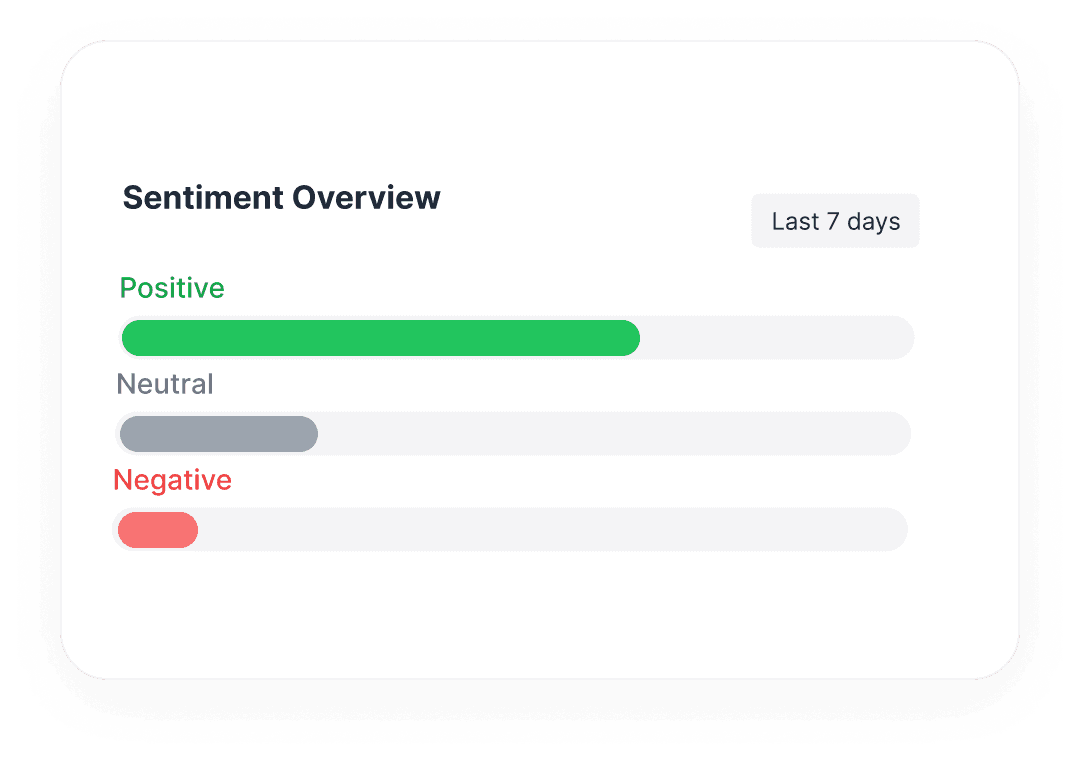
 Analyze Brand Sentiment
Don't just count comments. Export raw text to perform sentiment analysis and understand how your audience truly feels.
- Identify common pain points
- Find superfans & influencers

Features at a glance
Supports Posts & Reels
Works on any public Instagram content type.
Includes Replies
Fetches nested comments and conversation threads.
Questions, answered
Everything you need to know about getting started with Comment Grid’s Instagram comment workflows.
Is there a limit to how many comments I can export?
You can export up to 20 comments per run with this tool.
Plus d’outils

Instagram Comment Exporter
Download comments to Excel/CSV instantly. Essential for KOL campaign reporting and data backup.

YouTube Comment Exporter
Download YouTube comments as Excel-ready CSV or JSON. Review structured comment data without installing an extension or setting up an API key.

TikTok Comment sticker generator
Free TikTok comment sticker generator: customize profile picture, username, badge, and reply text, then download a transparent PNG.