Export Comments from TikTok in Minutes
Stop copy-pasting. Instantly download comments from TikTok into clean Excel or CSV files. The easiest way to turn social chatter into organized data.
Paste your Instagram Post or Reel URL



댓글을 내보내는 데 그치지 말고 분석하세요.
CommentGrid 확장 프로그램으로 Instagram, TikTok, Facebook 댓글을 몇 분 만에 구매 신호, 답글 대기열, 콘텐츠 아이디어로 전환하세요.
Chrome에 추가 Chrome에 추가
How to export comments in 3 steps
No technical skills required

1. Copy Link
Go to the Instagram post or reel you want to analyze, click the three dots (...), and select "Copy Link".

2. Paste URL
Paste the link into the CommentGrid box above and click the "Export" button to start processing.

3. Download
Wait a few seconds for the data to fetch, then click to download your clean CSV or Excel file.
포함되는 데이터
| 필드 | 설명 |
|---|---|
| 댓글 내용 | 각 TikTok 댓글의 전체 텍스트입니다. |
| 댓글 시간 | 댓글 추출기가 반환하는 ISO 시간 정보입니다. |
| 좋아요 수 | 댓글에 대해 캡처된 좋아요 수입니다. |
| 답글 수 | 댓글에 연결된 답글 총수입니다. |
| 작성자 사용자명 | 댓글 작성자의 공개 TikTok 고유 ID입니다. |
| 프로필 URL | 사용 가능한 경우 댓글 작성자 프로필 링크입니다. |
| 댓글 ID | 중복 제거와 참조에 사용되는 플랫폼 댓글 식별자입니다. |
Why use an Instagram Comment Exporter?
More than just data. Unlock the true value of your audience interactions.
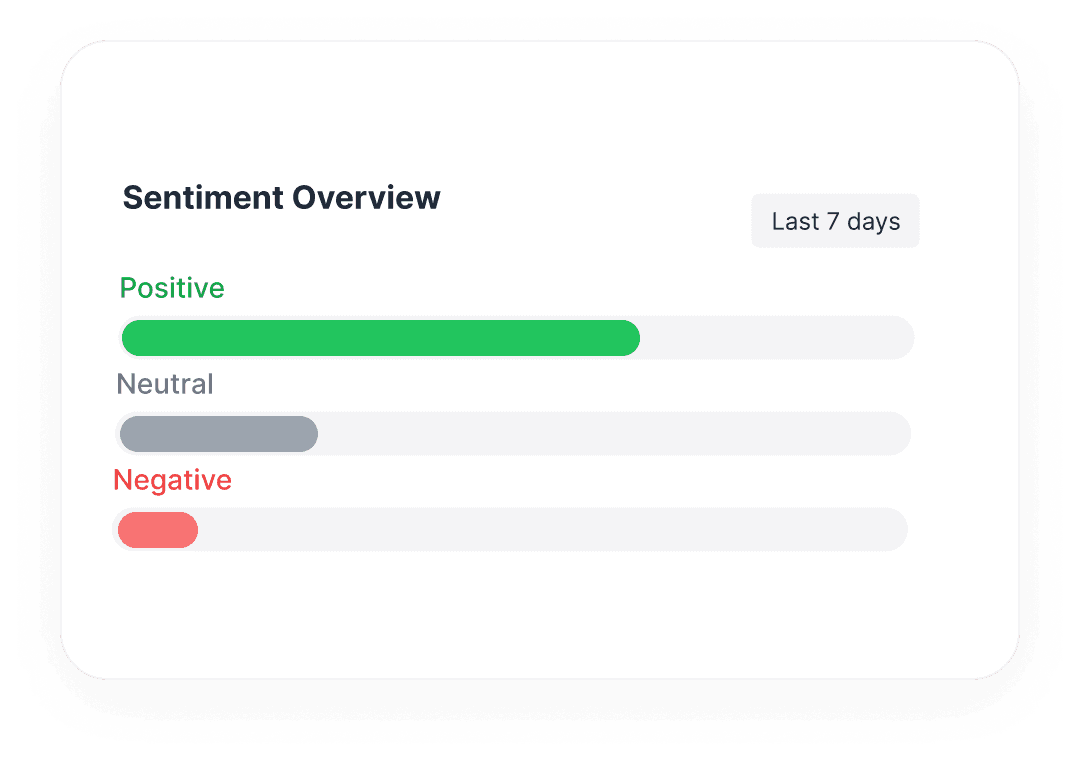
 Analyze Brand Sentiment
Don't just count comments. Export raw text to perform sentiment analysis and understand how your audience truly feels.
- Identify common pain points
- Find superfans & influencers

Features at a glance
Supports Posts & Reels
Works on any public Instagram content type.
Includes Replies
Fetches nested comments and conversation threads.
Questions, answered
Everything you need to know about getting started with Comment Grid’s Instagram comment workflows.
Is there a limit to how many comments I can export?
You can export up to 20 comments per run with this tool.
더 많은 도구

Instagram Comment Exporter
Download comments to Excel/CSV instantly. Essential for KOL campaign reporting and data backup.

YouTube Comment Exporter
Download YouTube comments as Excel-ready CSV or JSON. Review structured comment data without installing an extension or setting up an API key.

TikTok Comment sticker generator
Free TikTok comment sticker generator: customize profile picture, username, badge, and reply text, then download a transparent PNG.